
How to change template?

  1. Login to your account and go to Sahara Builder page;
  2. Click "Edit Website";
  3. Click "New/Reset" dropdown list at top of builder;
  4. Select "Change template" and choose from templates available or create website from "Blank Template".

Note: All components disappeare when template is changed.

Preview:
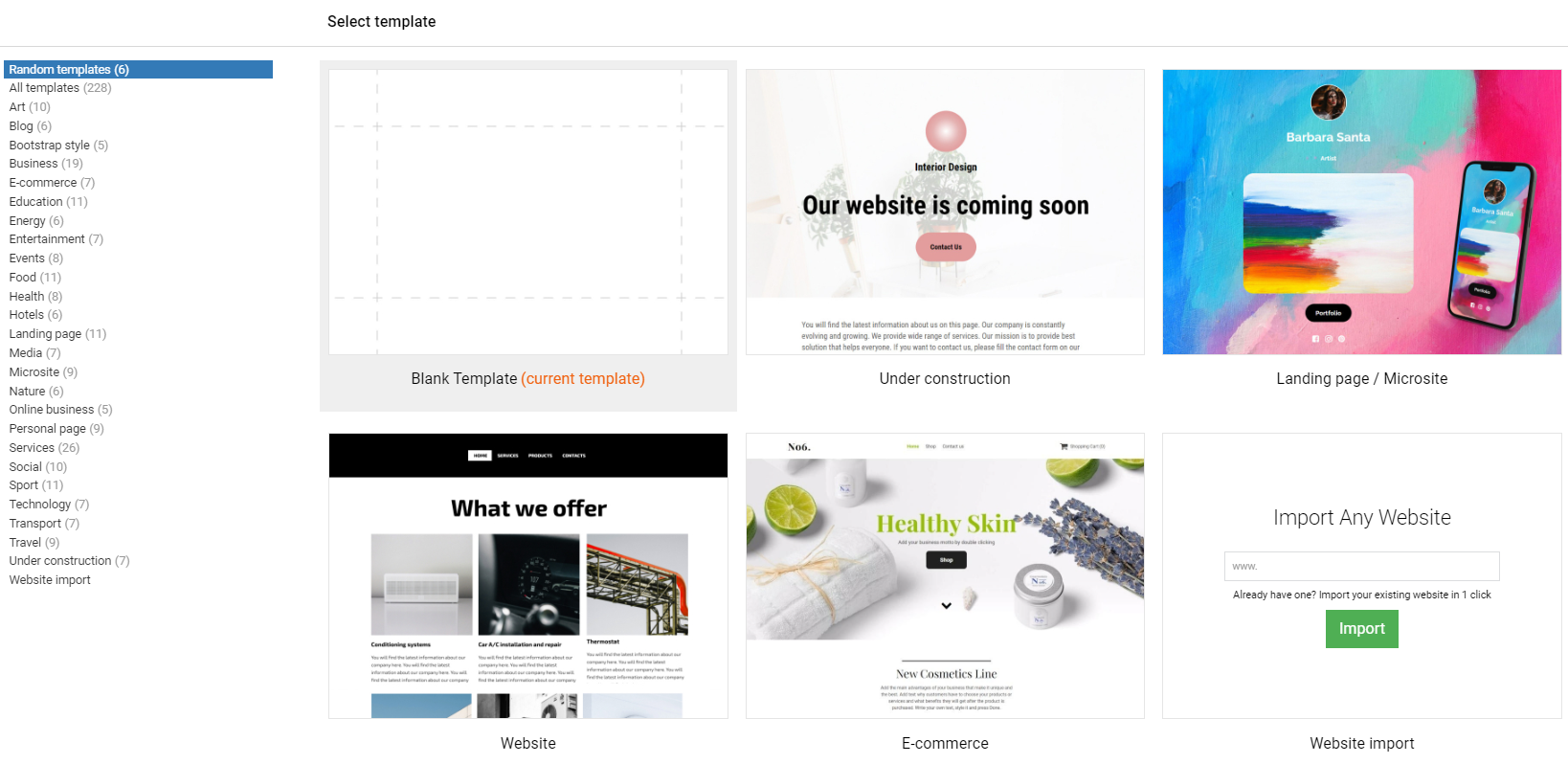
How to change template?
  • Sahara Builder
  • 0 Benutzer fanden dies hilfreich
War diese Antwort hilfreich?

Verwandte Artikel

What is Sahara Website Builder?

It is tool that allows you to easily create an entire website using a drag-and-drop editor and...

How to use layout positioning?

Drag & drop "Layout" from main toolbar; Choose layout composition; Select one of the...

How to use background image/video?

Background can have an image/video uploaded: Option 1: Upload it as background gallery....

How to use "Gallery Background"?

Adding gallery: Drag & drop "Gallery" from main toolbar; Choose Background gallery...

How to enable and customize the 404 page?

This page will be shown to a visitor when they try to reach a non-existent page on your website....